# GEMS Education - Part 1
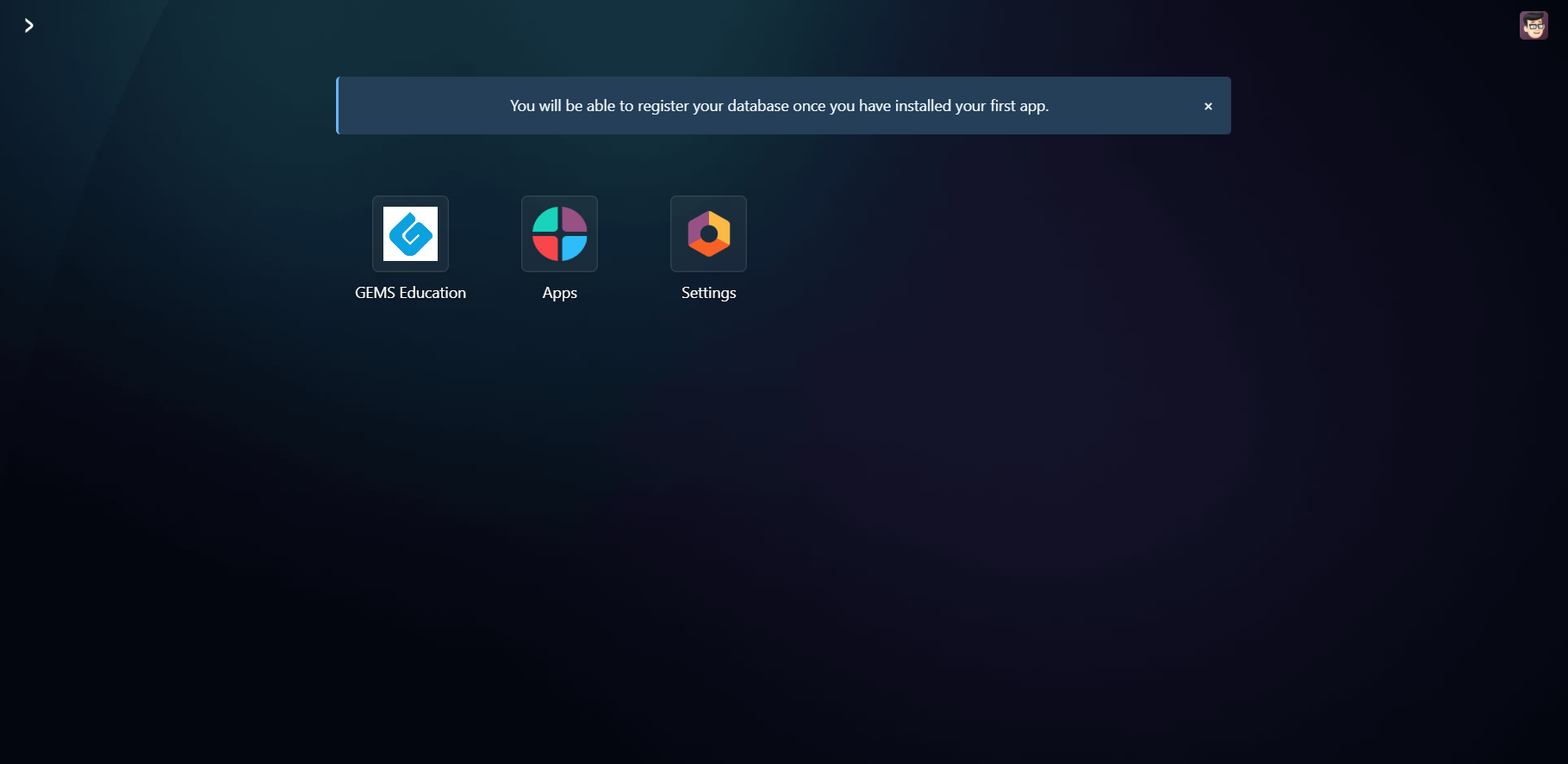
# Custom Module
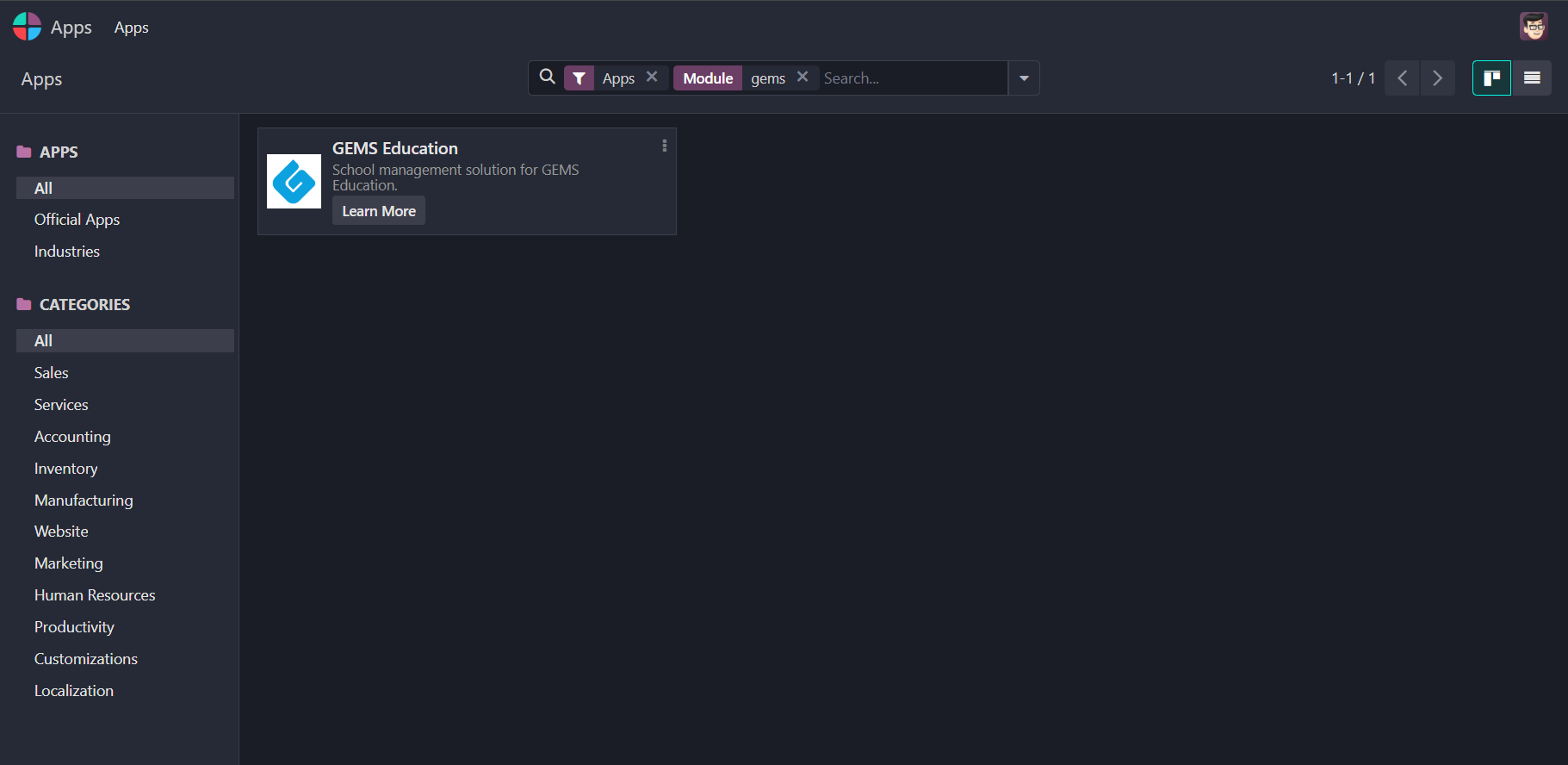
TIP
Set the appropriate flag in the manifest to make your module appear in the Apps filter.
# Schools
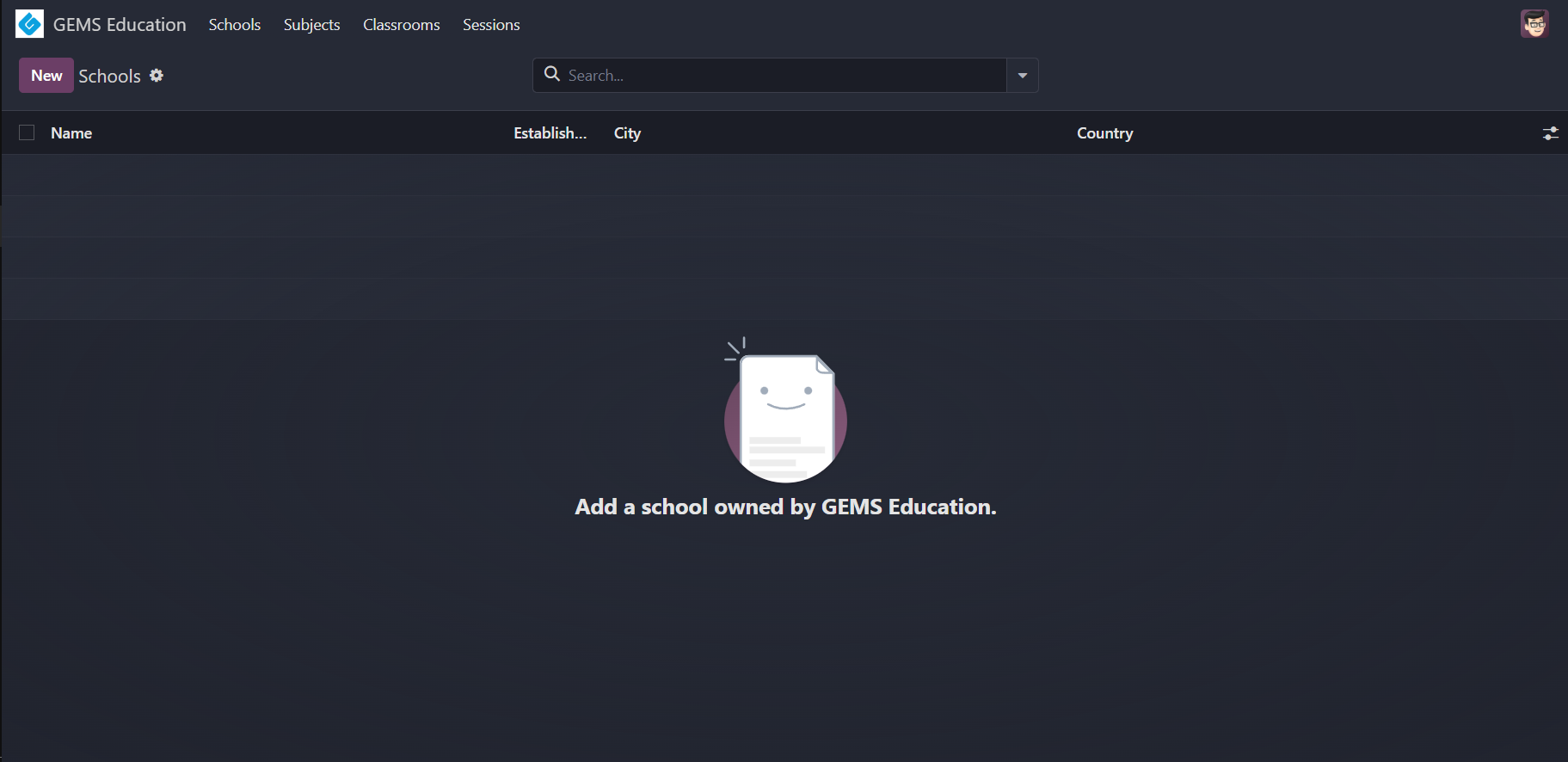
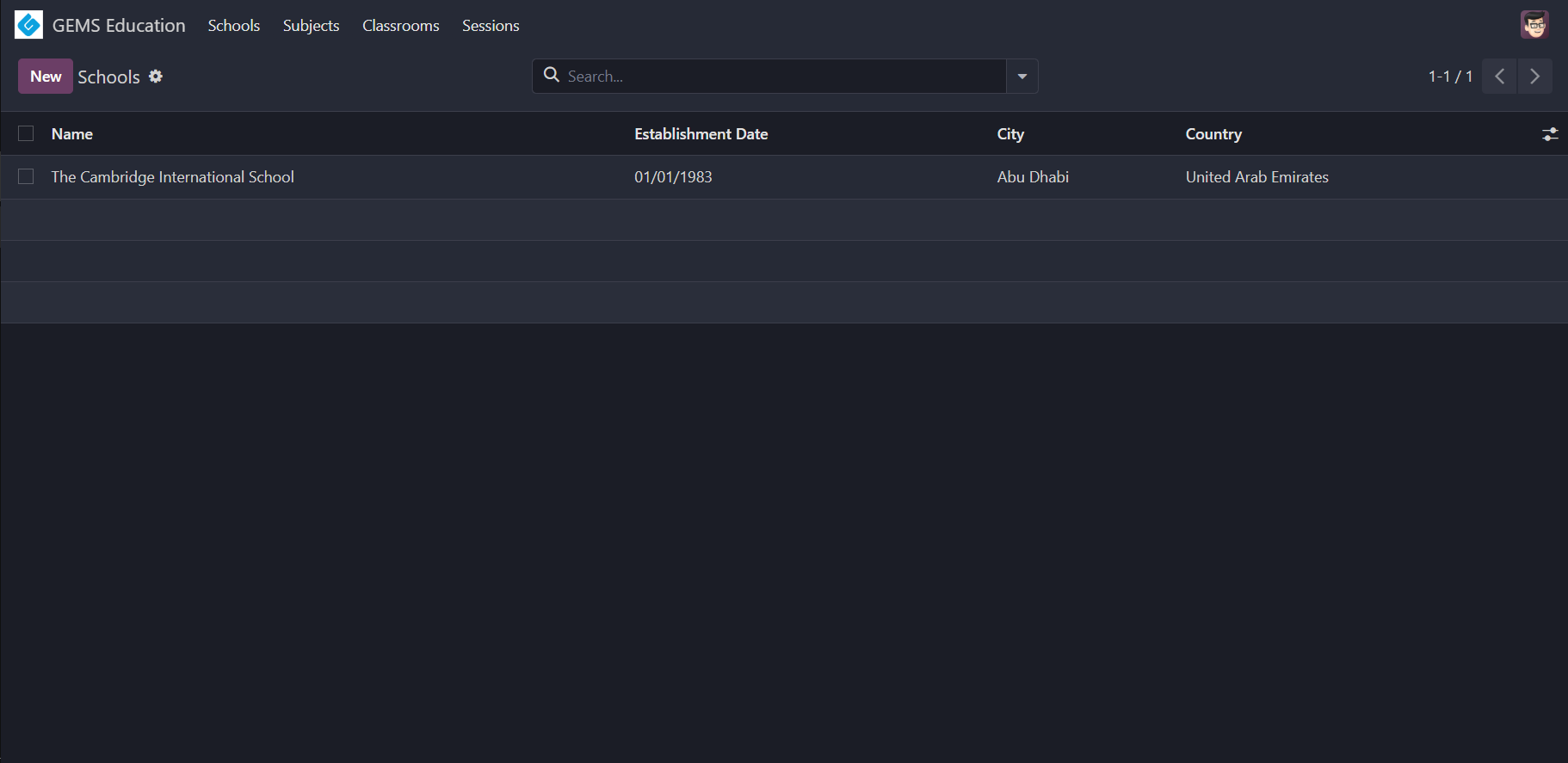
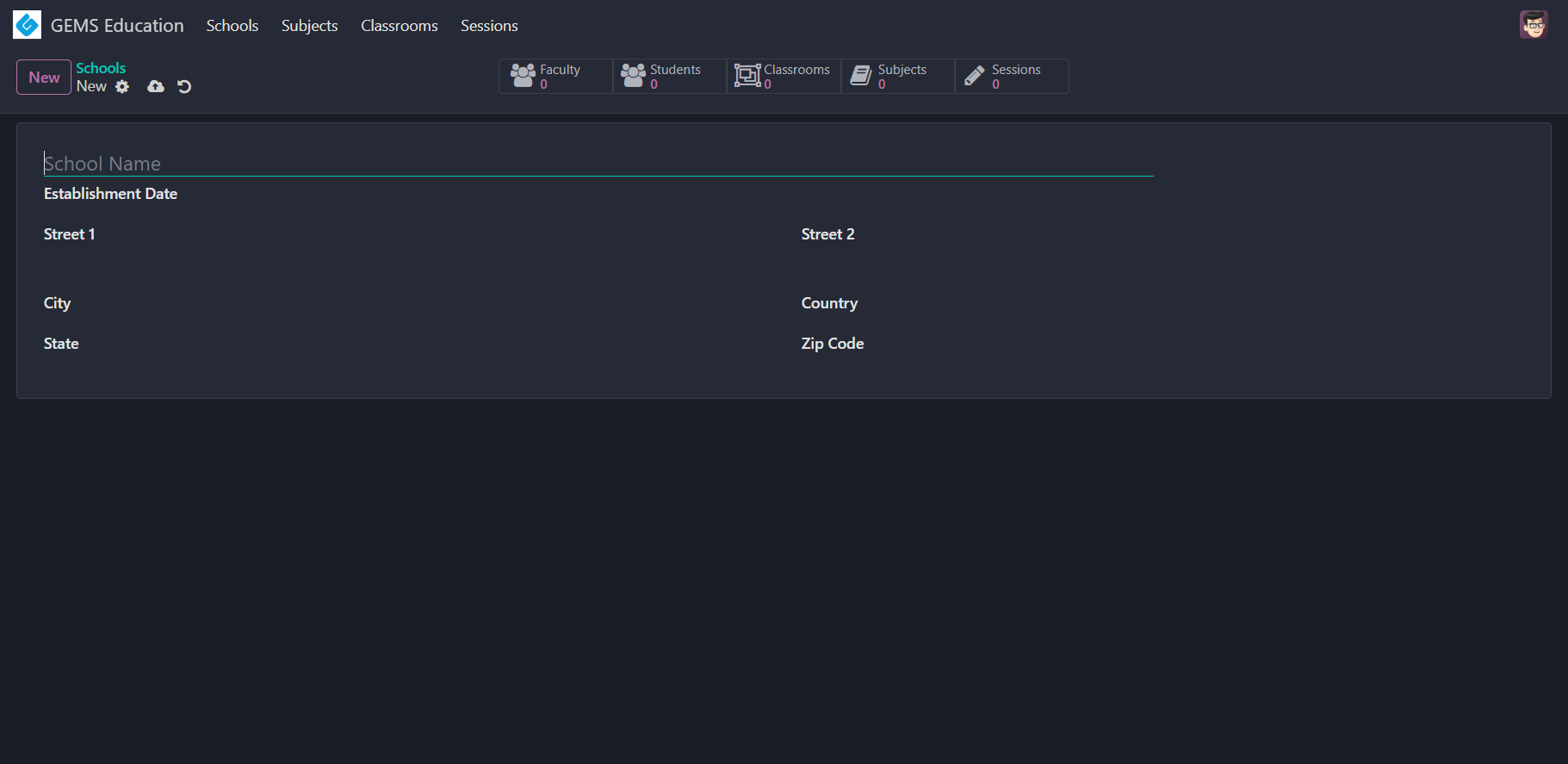
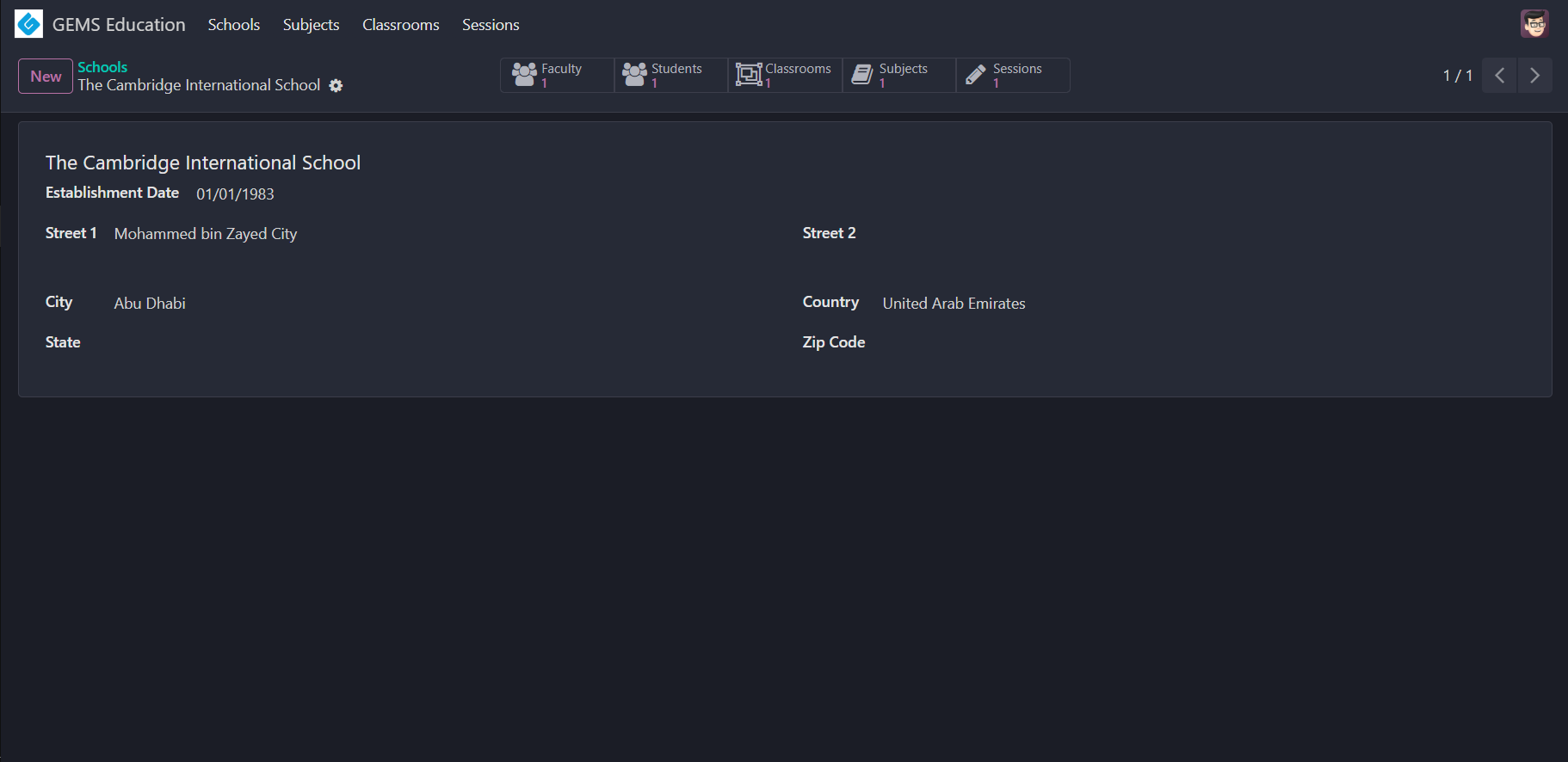
WARNING
All the five smart buttons should be correctly implemented, showing the count and opening appropriate views when clicked.
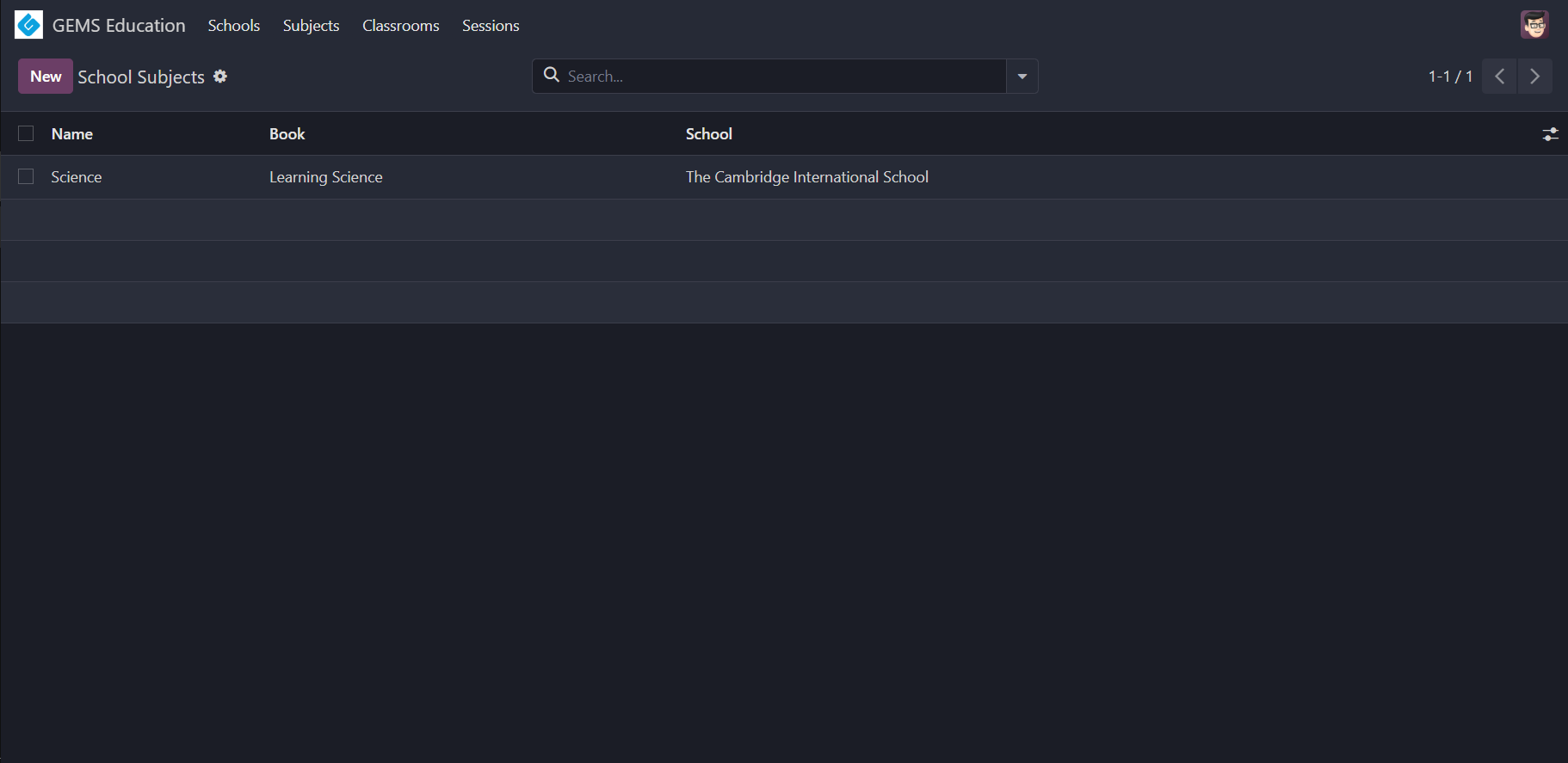
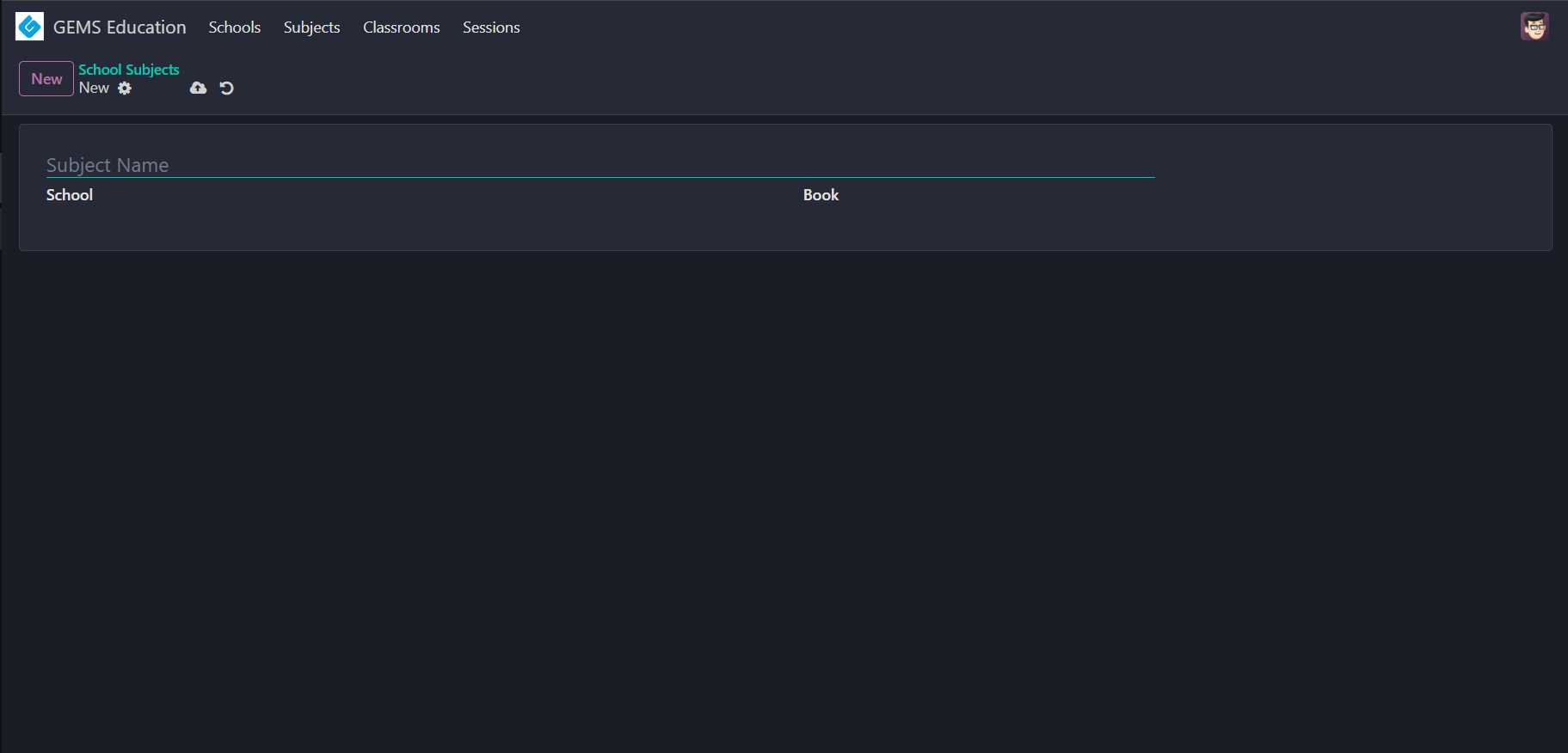
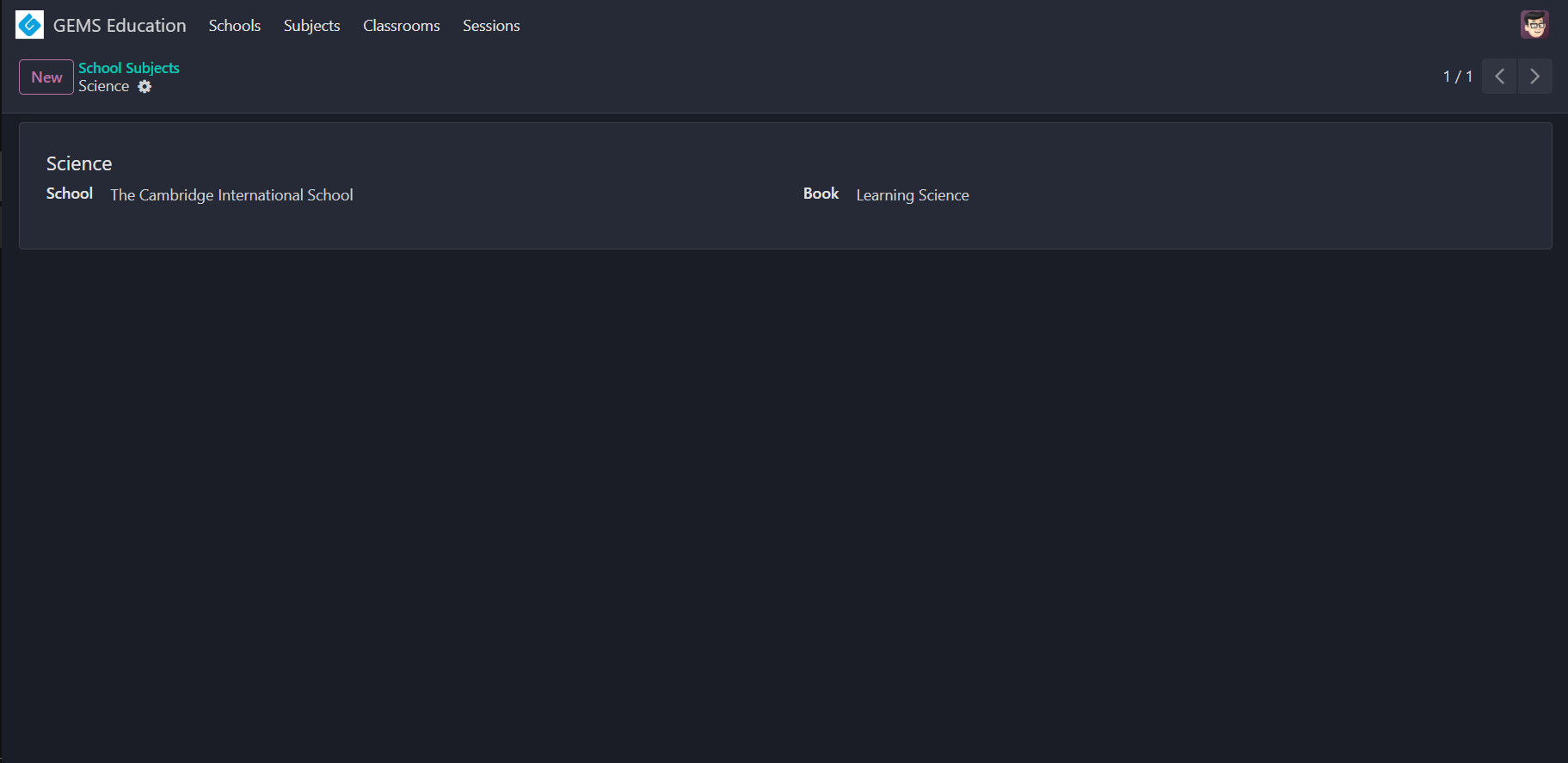
# Subjects
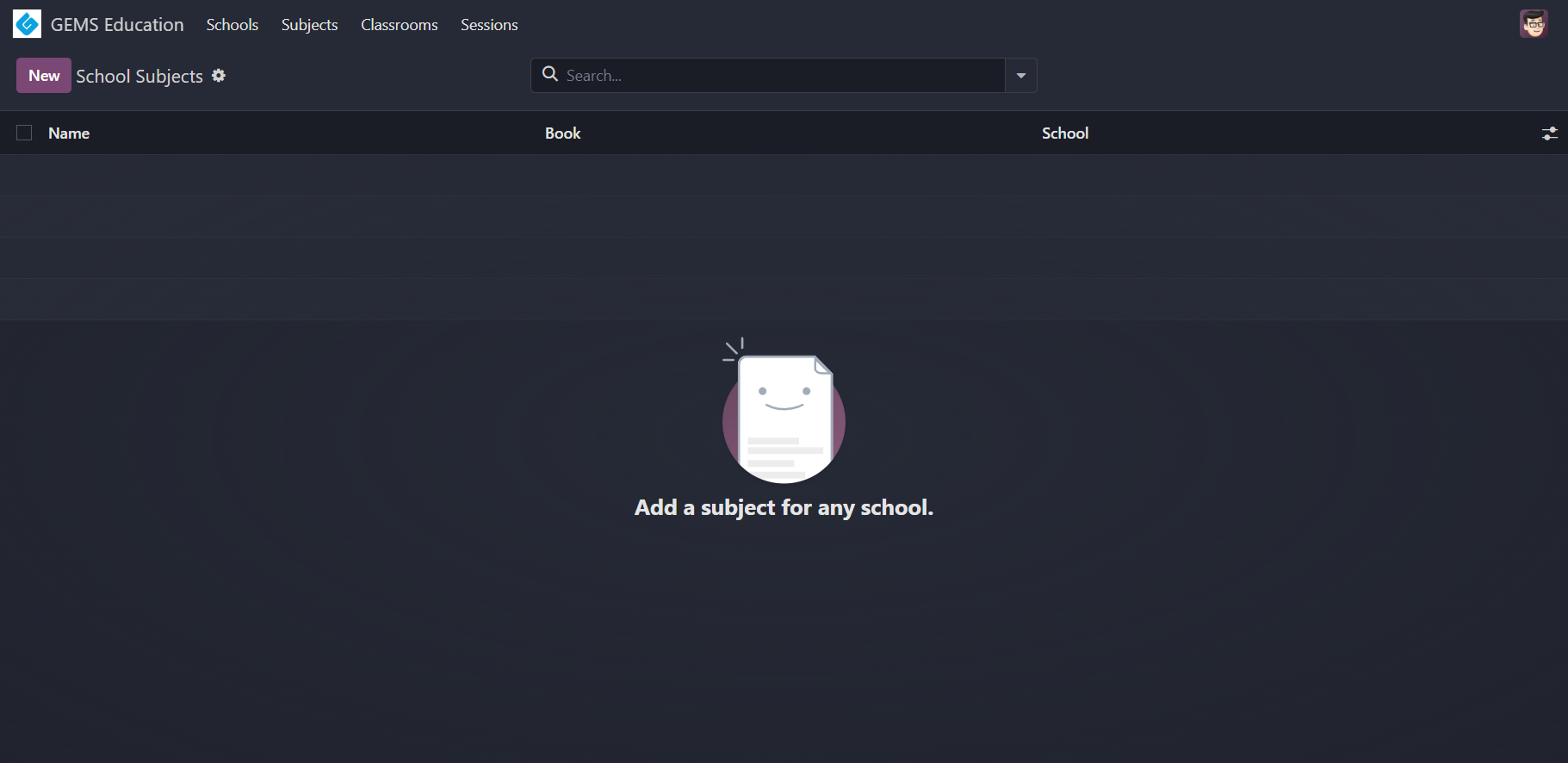
TIP
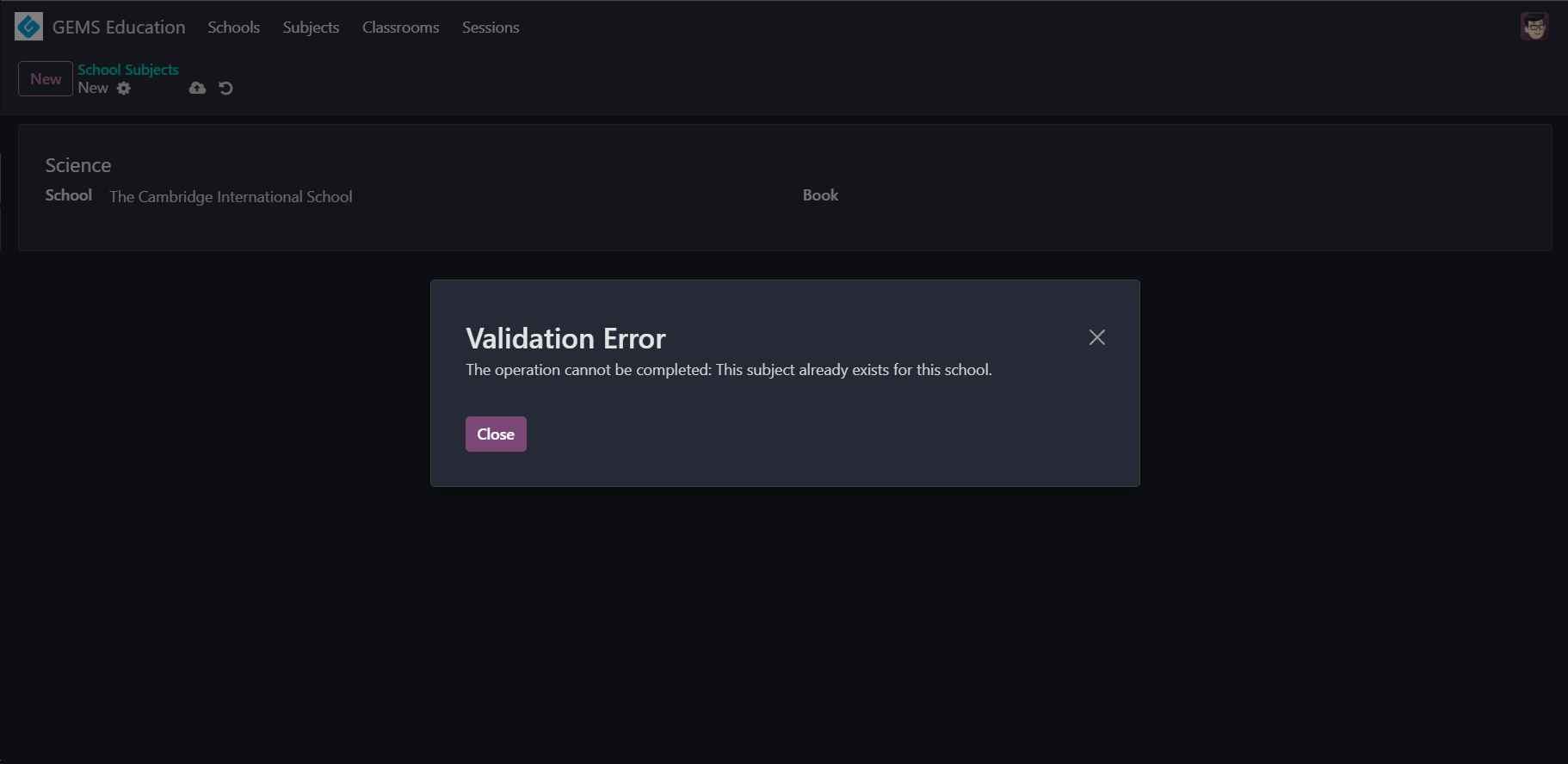
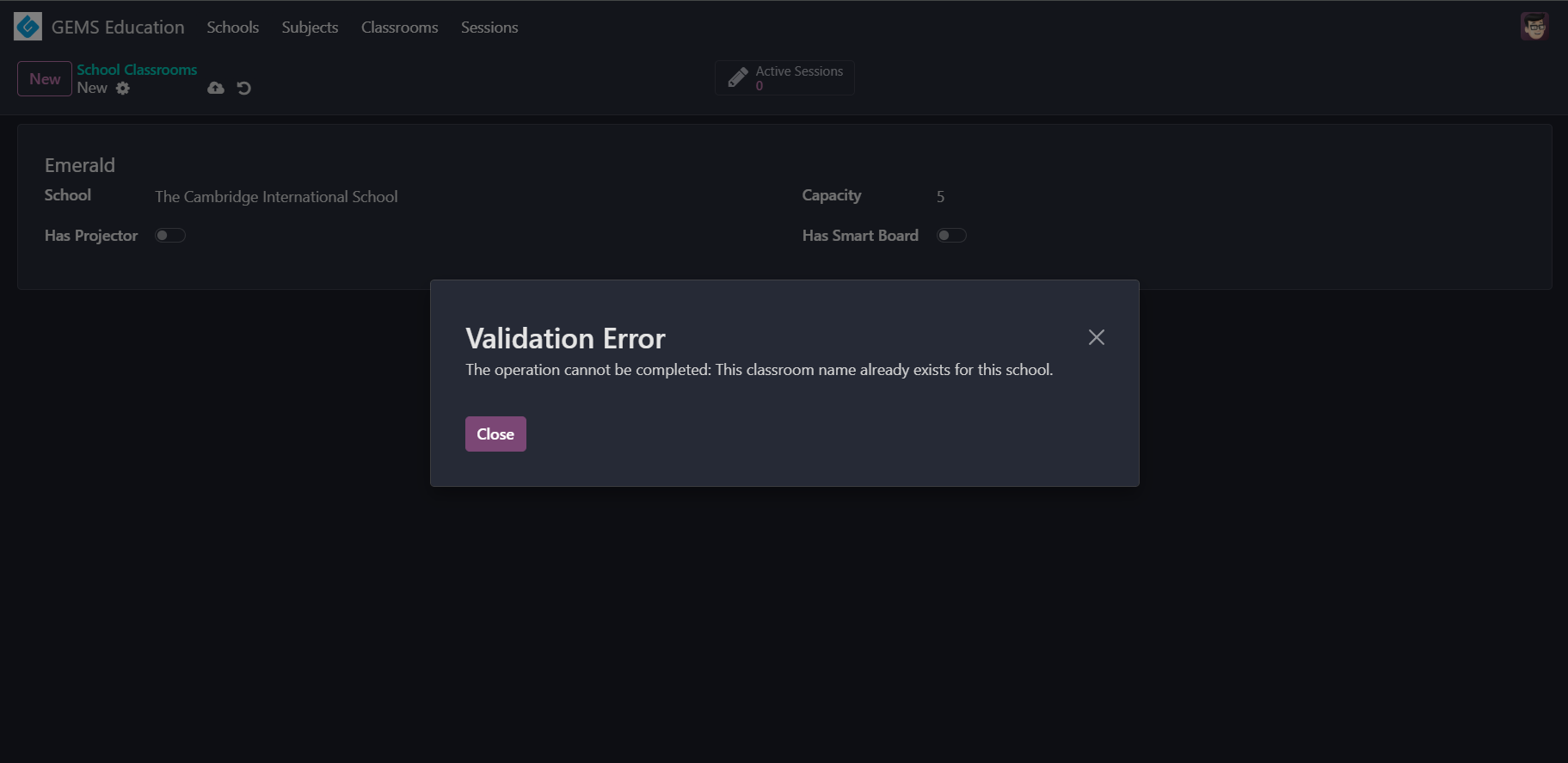
Add an SQL constraint.
# Classrooms
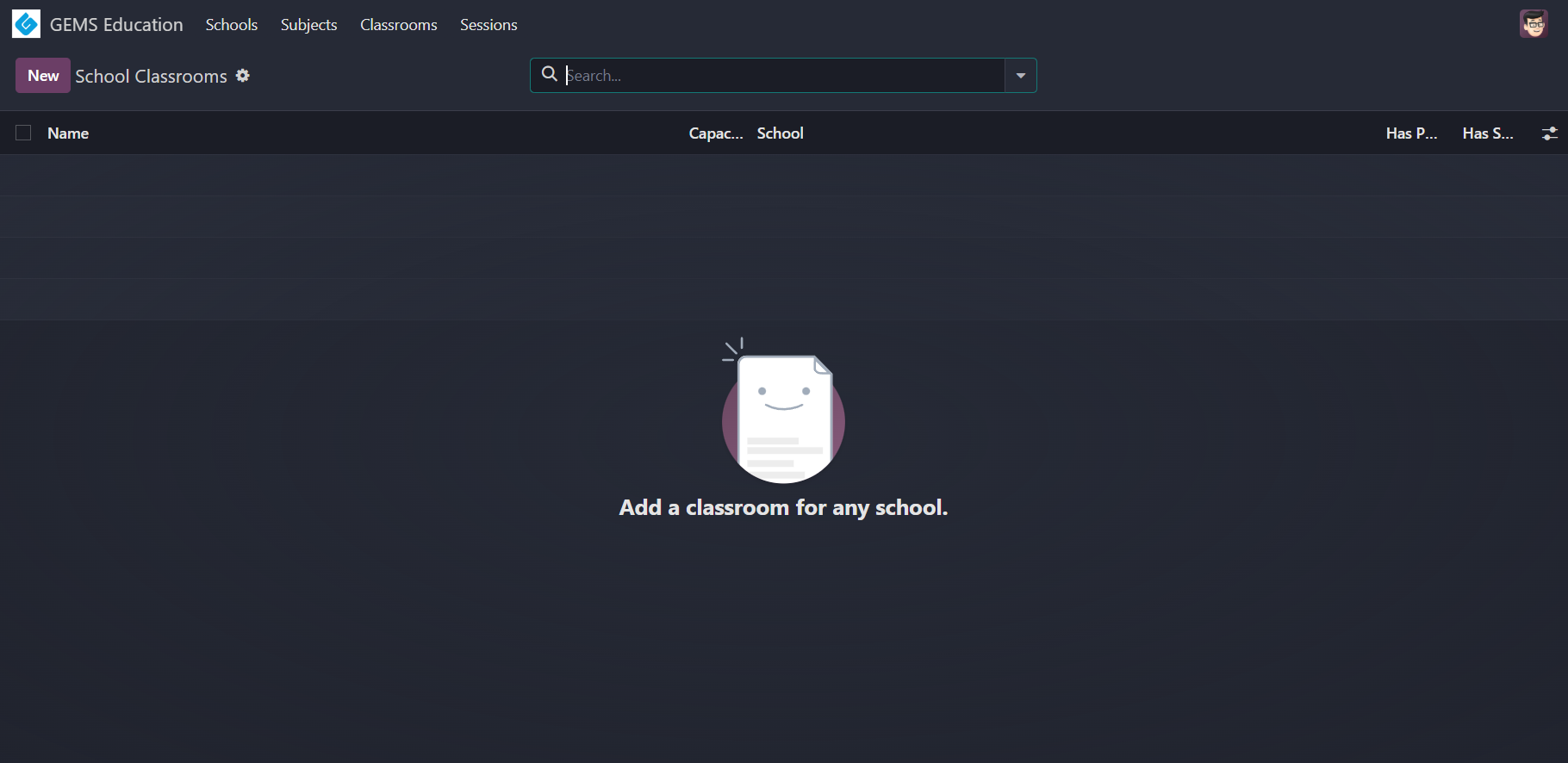
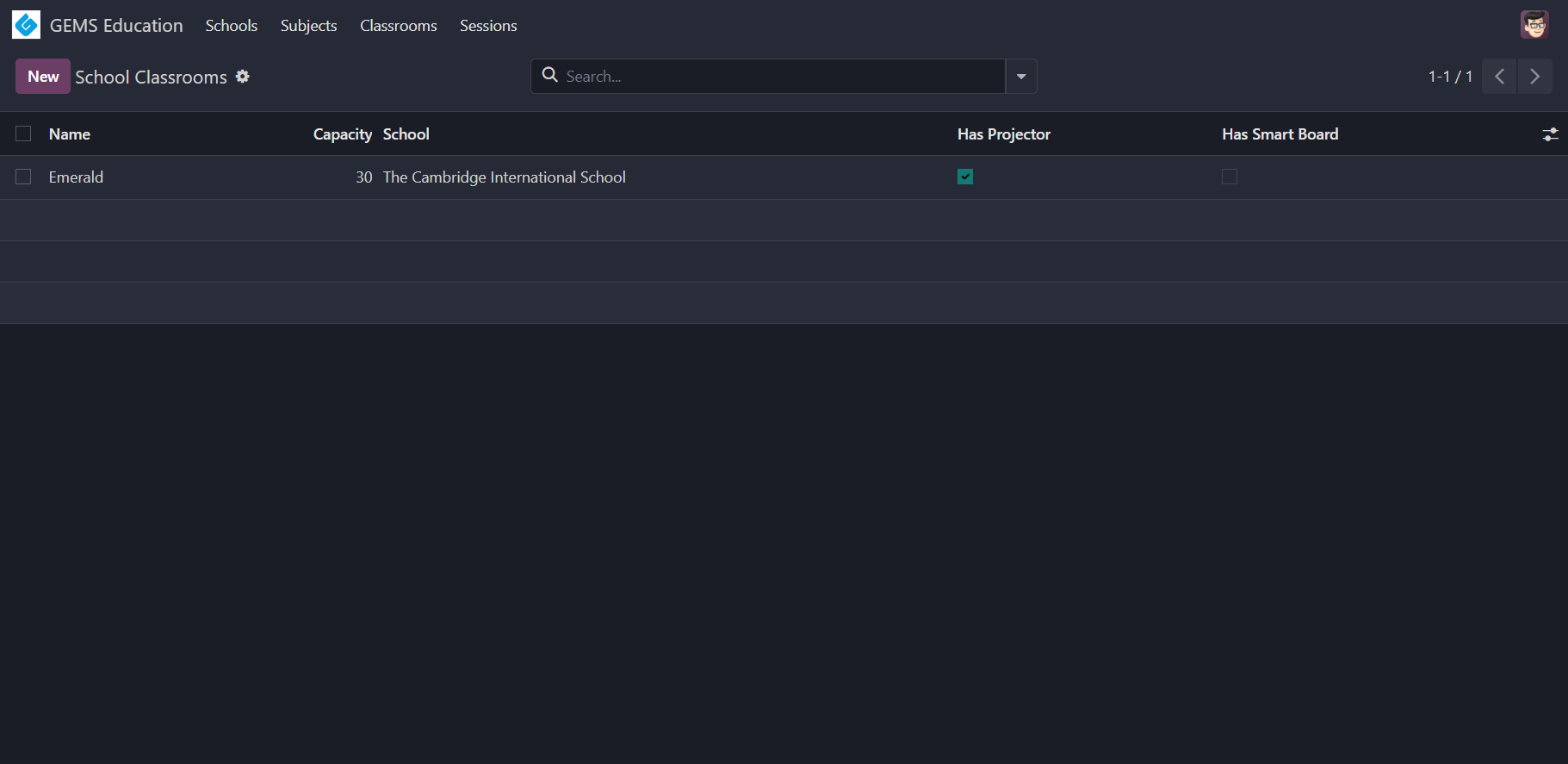
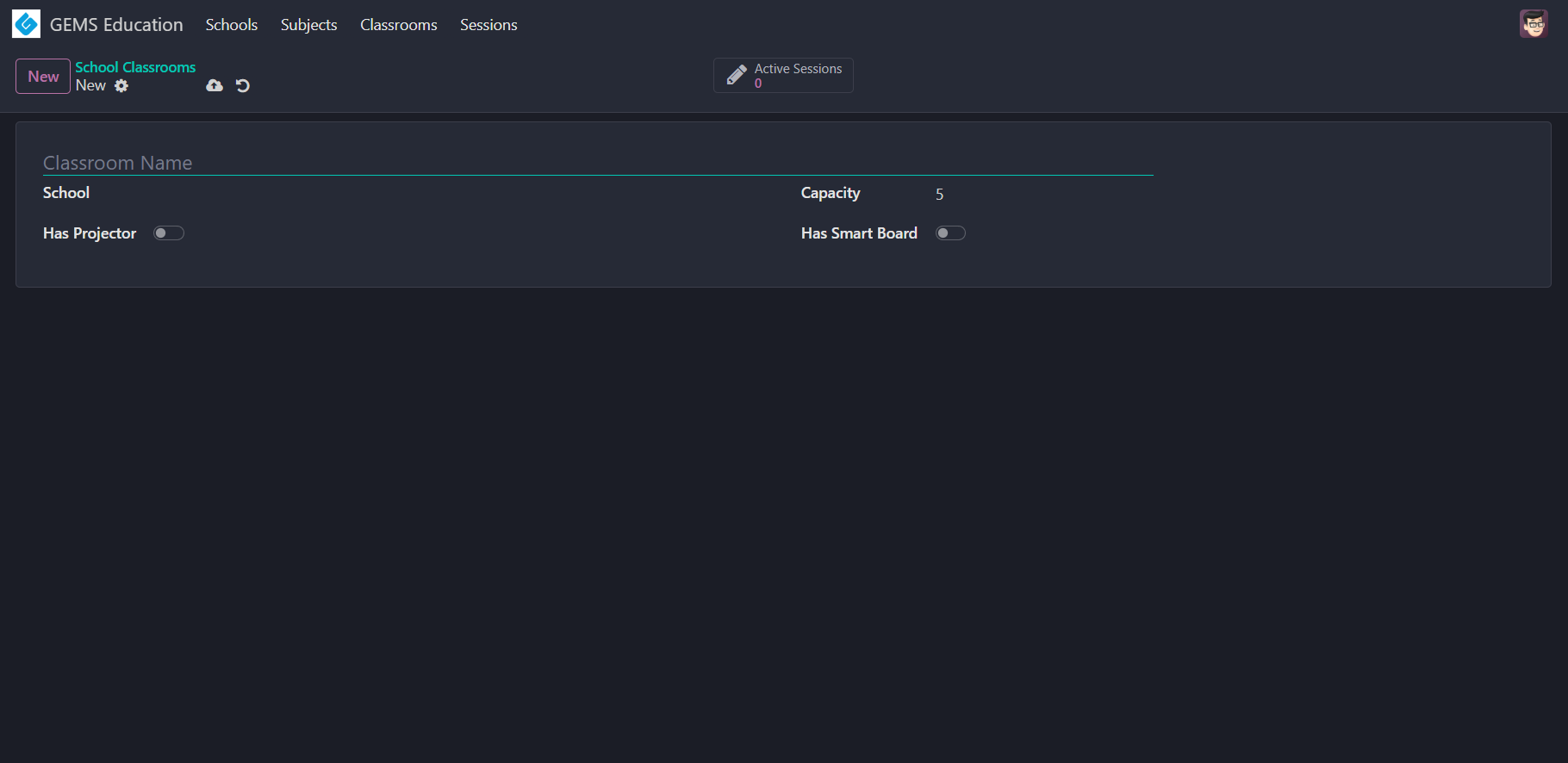
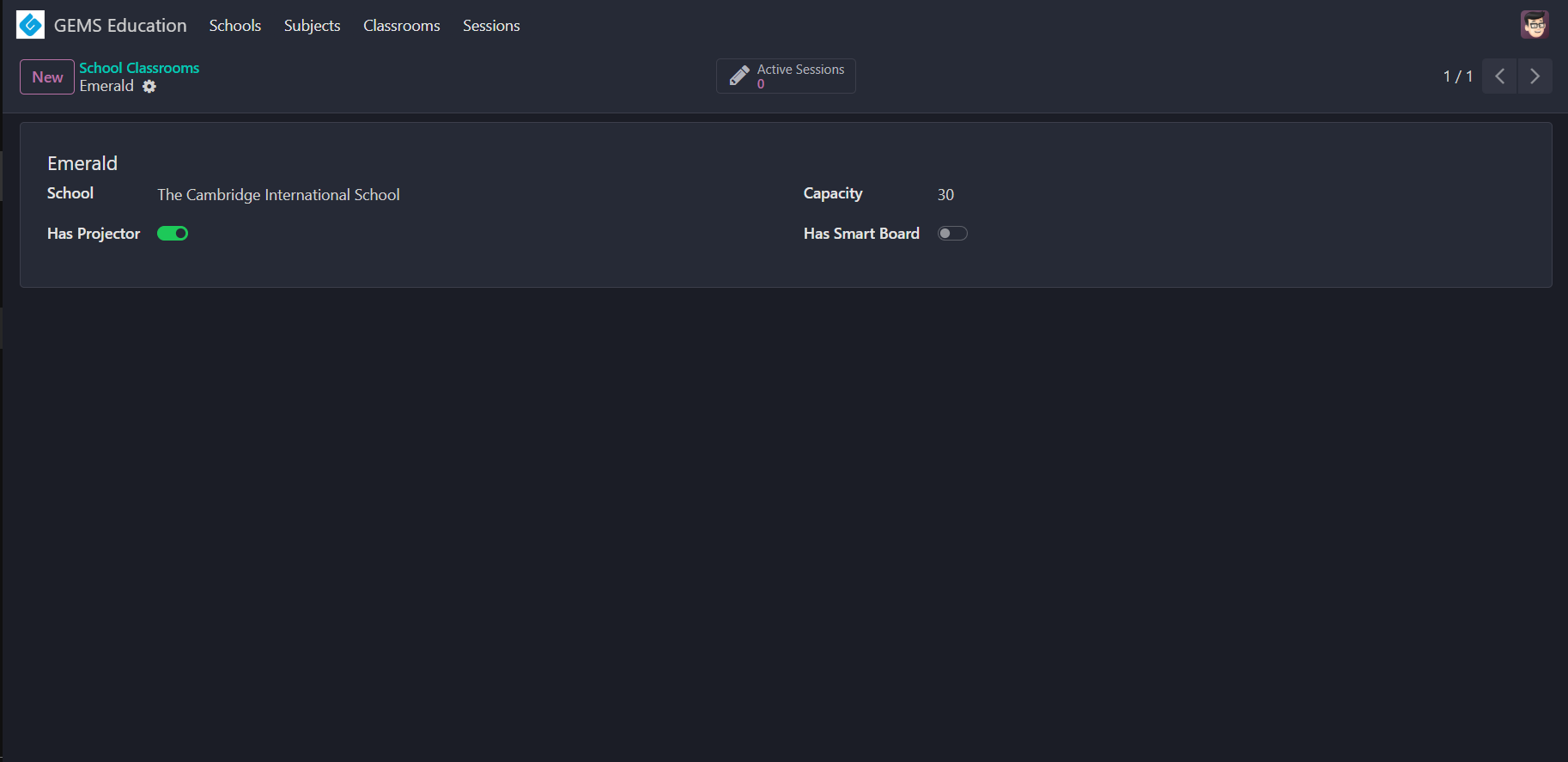
WARNING
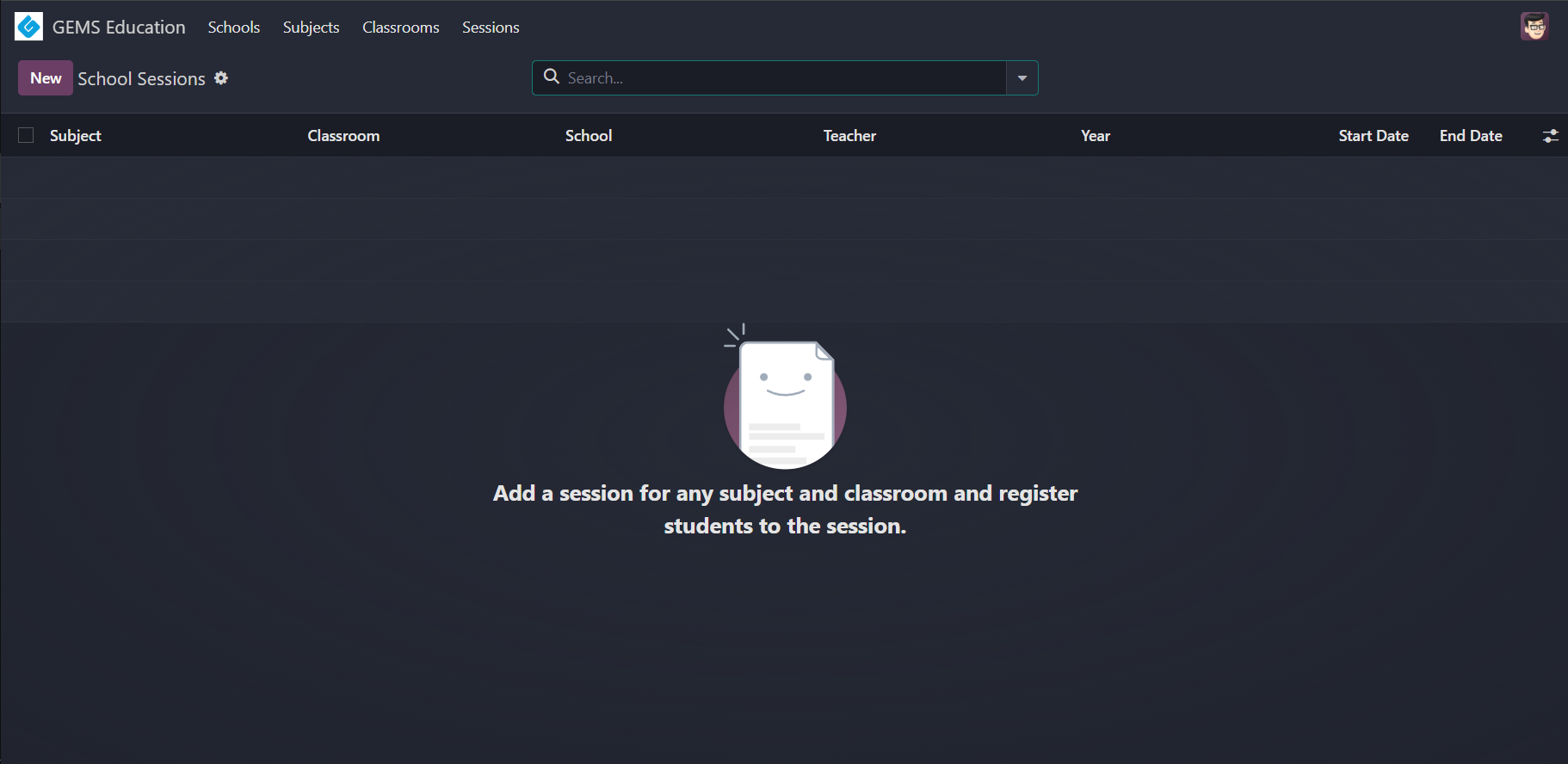
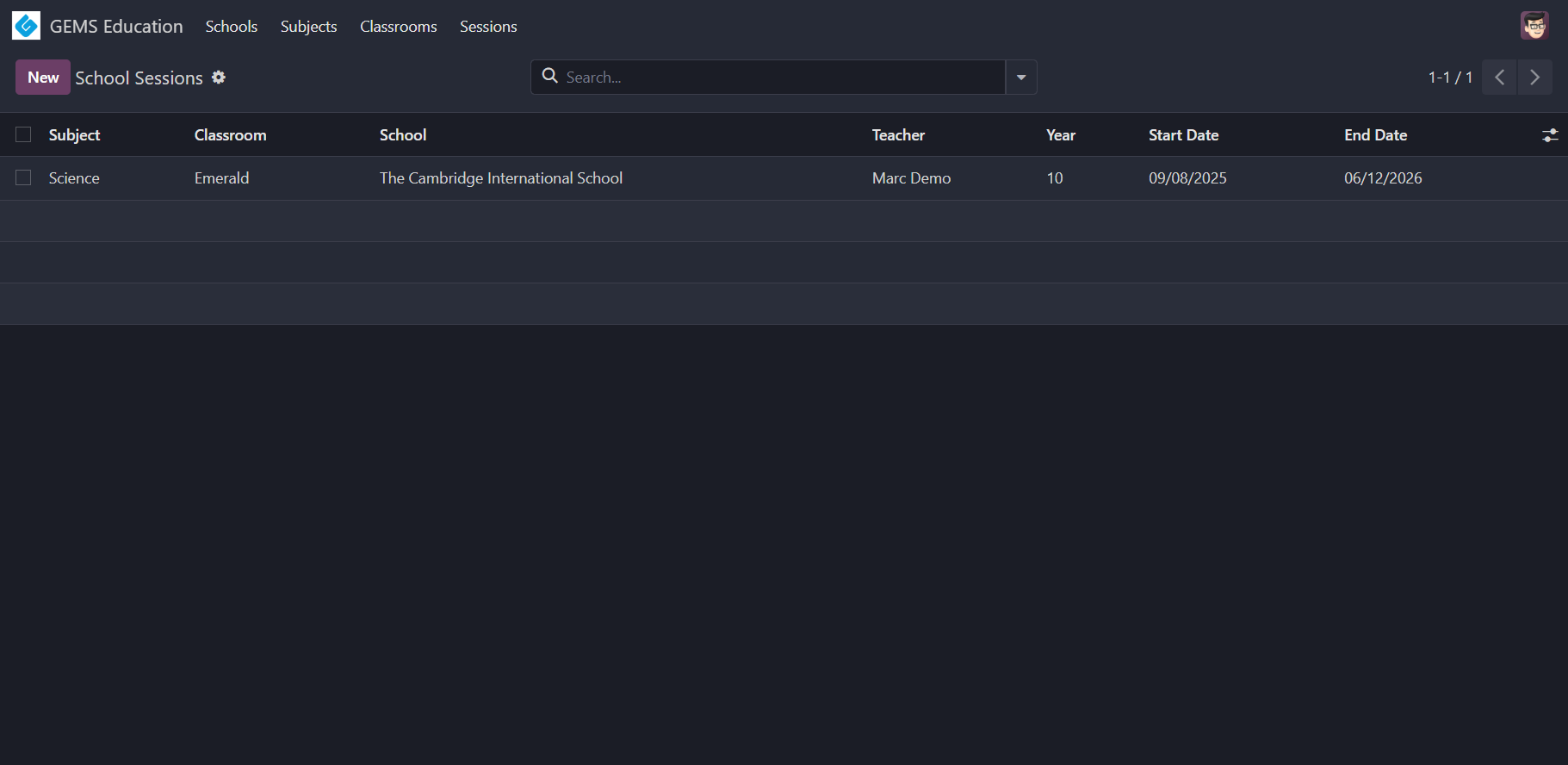
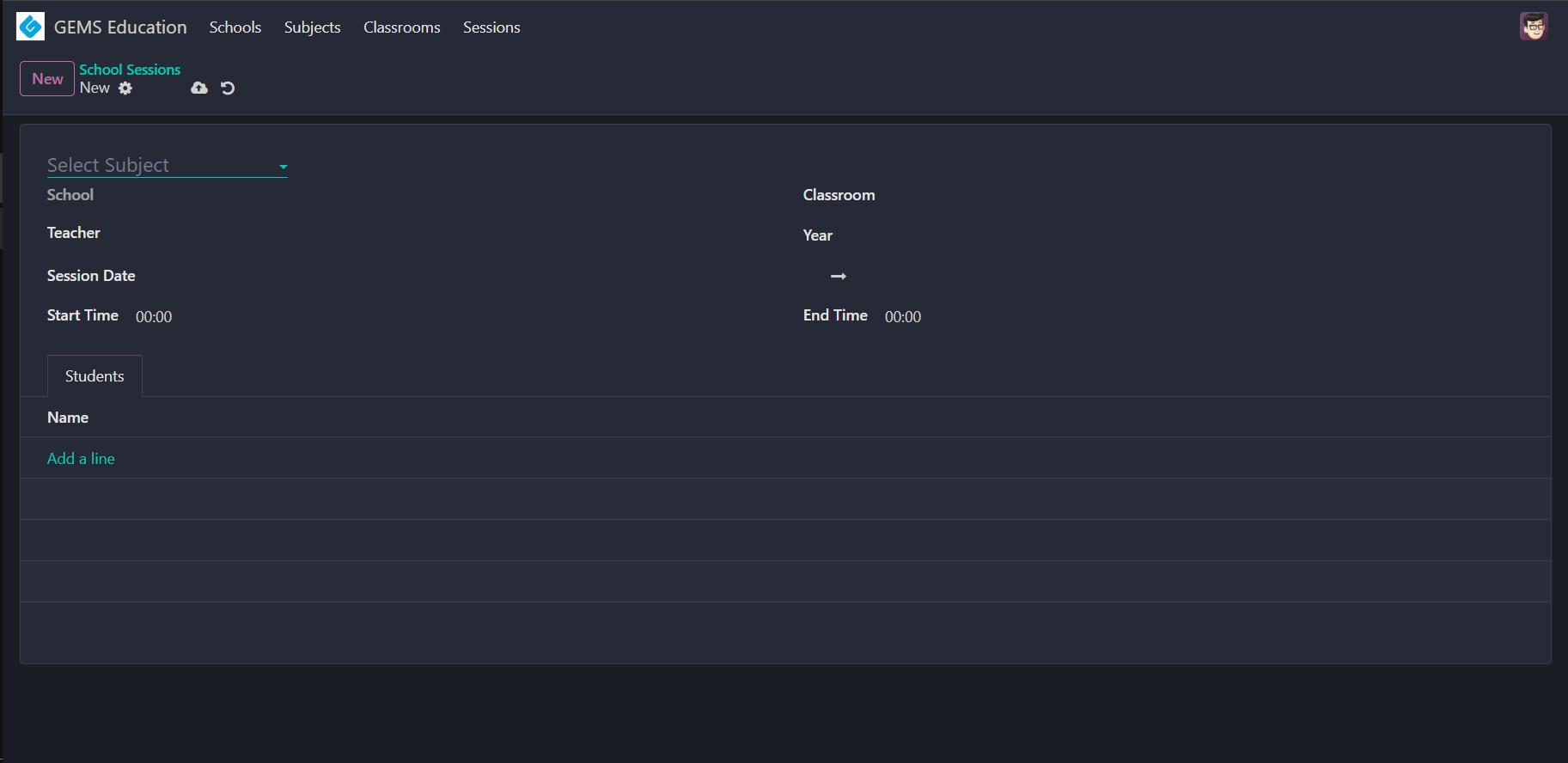
This smart button is for viewing only active sessions. You must use the session start and end dates to determine if the session is active.
TIP
Use the field widget for boolean fields that render them as toggle buttons.
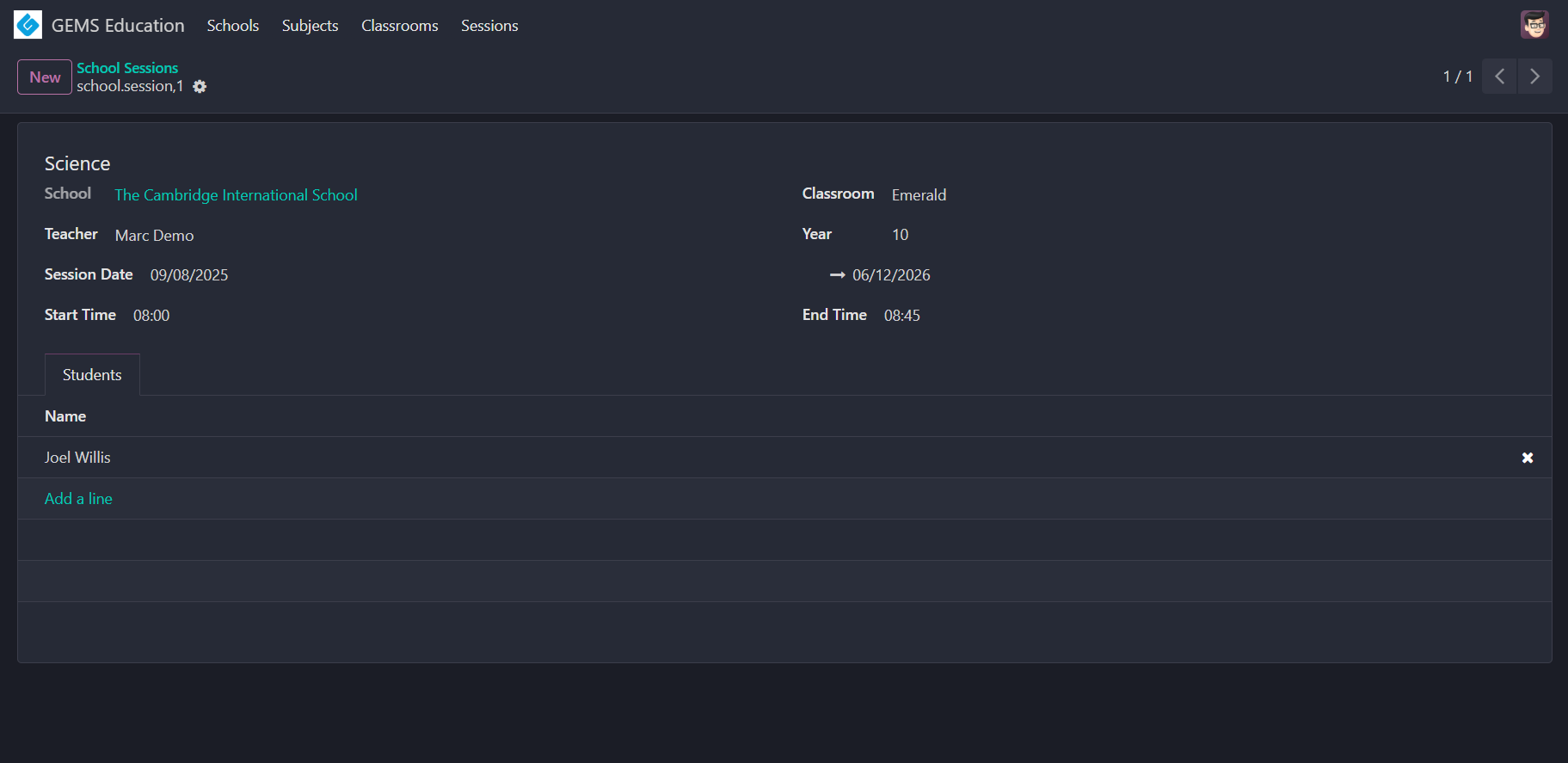
# Sessions
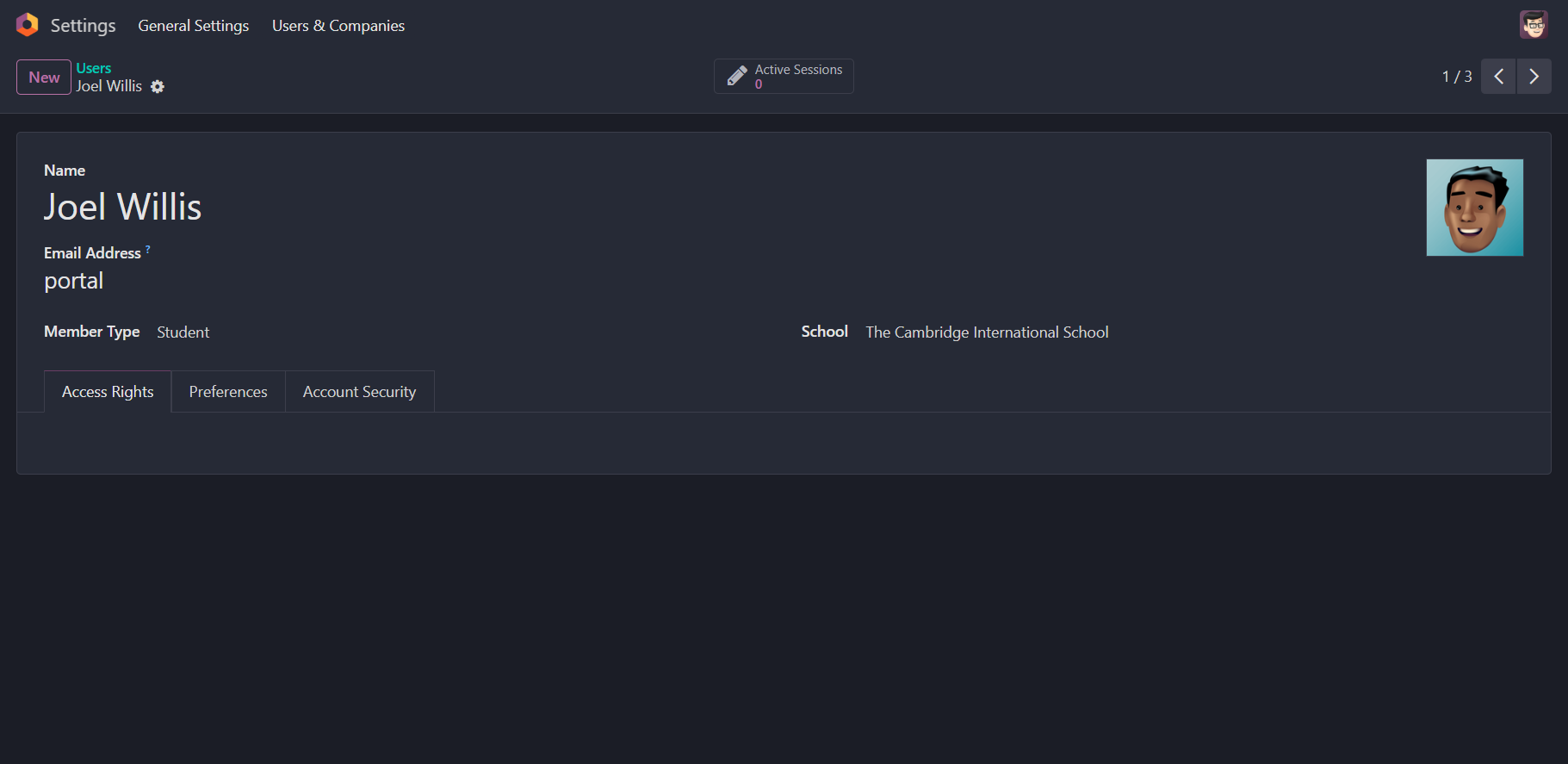
# Users
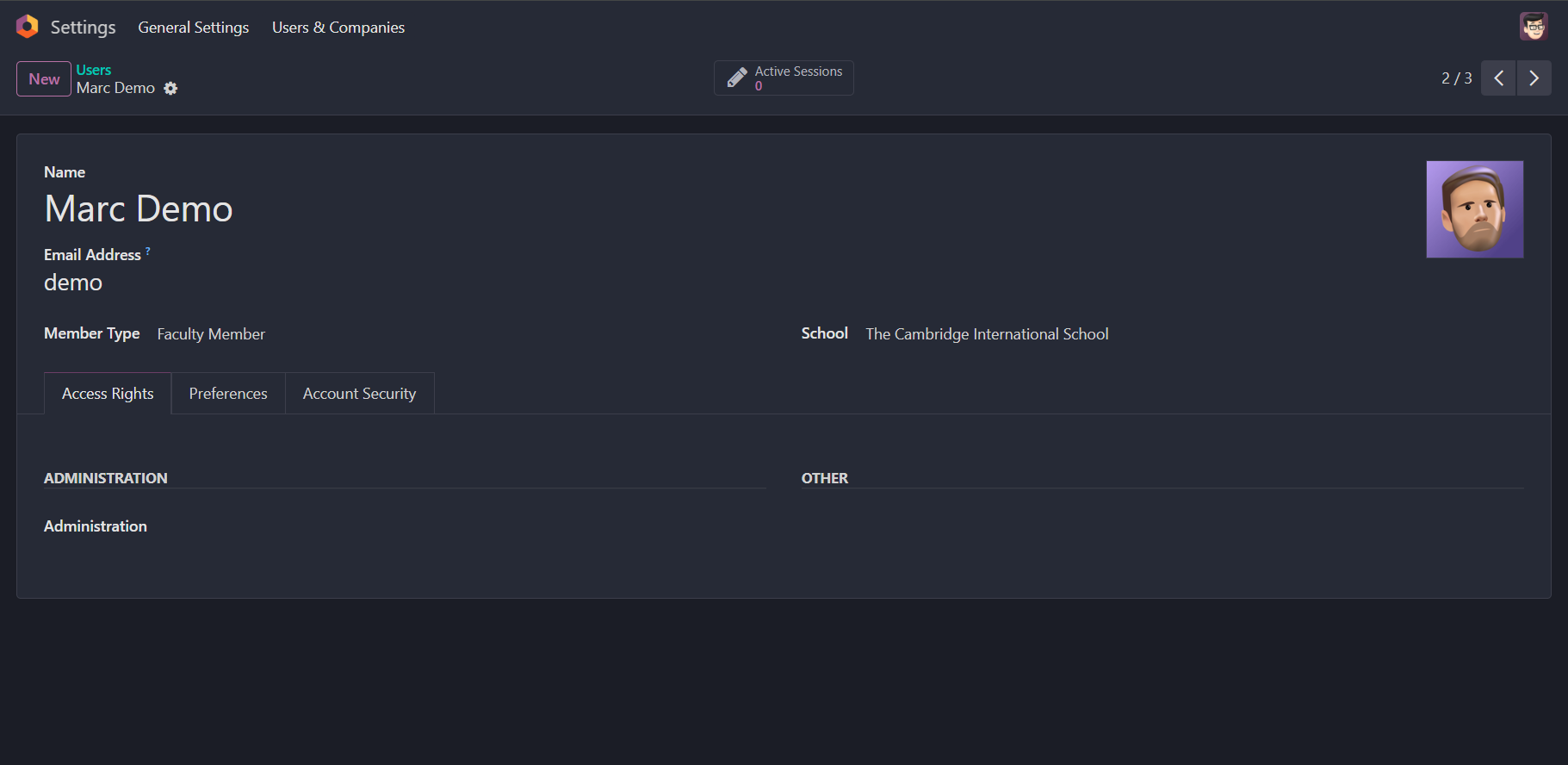
TIP
A good practice is to keep the smart button and the School field hidden if the member type is not a faculty or a student.